As 2021 winds to a close, it’s time to assess what major tech updates you should be aware of as we head into the new year. Some of these changes might seem small, but they can have a huge impact on your company—and with the holidays coming up, and a pandemic to recover from, you want to make sure that your business is running as smoothly as possible.
Here’s our top 4 tips on how to prepare your tech for the year ahead.
Budget for the Microsoft Office pricing update
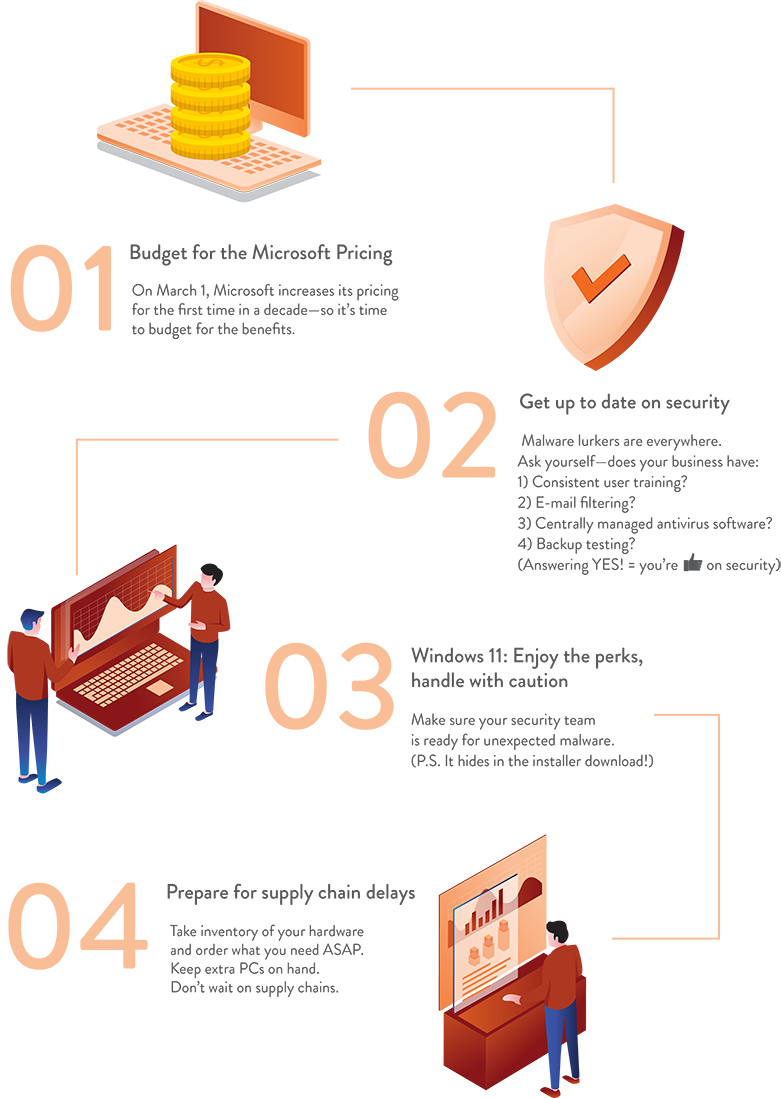
Starting March 1, Microsoft will change its Office 365 pricing for all users. This is the first substantive pricing update since Office 365 launched a decade ago. Due to innovations in three key areas—communications and collaboration, security and compliance, and AI and automation—the tech giant feels that this pricing update reflects the increased value delivered to our customers over the past 10 years.
You may have noticed these innovations streamlining your own day-to-day work life. Microsoft Teams, Power Apps, Visio, OneDrive, Yammer, and Whiteboard are just some of the 24+ innovative apps added to the suite in the last five years. These apps improve and integrate workflow for a more flexible, hybrid workplace—making your investment in them essential.
What’s the new pricing? Check it out here:
- Microsoft 365 Business Basic: $5 to $6 per user
- Microsoft Business Premium: $20 to $22
- Office 365 E1: $8 to $10
- Office 365 E3: $20 to $23
- Office 365 E5: $35 to $38
- Microsoft 365 E3: $32 to $36
Make sure your company is up to date on security
With the holidays coming up fast, your business will be receiving more hacking attempts than usual through e-mail. That’s because attackers know that employees are more accepting of holiday-themed and promotional emails, and may let their guard down for what may appear to be a harmless holiday deal.
Not surprisingly, increased phishing attacks lead to increased ransomware attacks. Ransomware takes time to spread through a network, and most hackers wait for holiday weekends—when everyone is off work spending time with their families—to exploit unmonitored systems.
This would be a great time to verify with your IT crew the following security measures:
- User training – Do you have user training in place to help employees identify risks? You are only as secure as your least secure employee.
- E-mail filtering – Do you have e-mail filtering in place to remove known threats?
- Do you have a centrally managed Antivirus software platform in place, and can you verify that all devices are updated?
- Can your backup measure up to a full restore scenario if your business is compromised? Make sure you test that.
Windows 11—how to avoid major issues
Windows 11 has been released and we are all excited about it. But the important thing to know with any new OS release is to wait for the first major release patch before you deploy it. And when your company does decide to deploy, it is important to do a test group first, so you can avoid issues associated with software that you already use as a company.
Also consider your IT team’s security measures before you cash in on the new OS. As with any new software release, cybercriminals are looking for ways to take advantage of the hype and blindside users with unexpected malware. Already there is talk of malware hiding within Windows 11 installer downloads, and the new OS uses a similar codebase to that of its predecessors—making it an easy target for attacks.
Prepare for supply chain delays
As businesses emerge from the pandemic and start ramping up operations, IT products and services are seeing a huge surge in demand. However, the ongoing supply chain disruption has made access to essential computer hardware difficult. The hardware you need—PCs and laptops, servers and firewalls, switches, cameras, A/V equipment, and phones—is harder to find, costs more, and is taking longer to receive.
To avoid these delays, it is important to take inventory of your hardware and note which devices are aging or nearing their “end of life.” Make a list of the most important hardware you need and place an order as soon as possible. Keep a few extra PCs on hand when new users start or when there is an issue with a current PC. This also extends to all network hardware and servers as well.